Curve Text On Photo
in seconds.
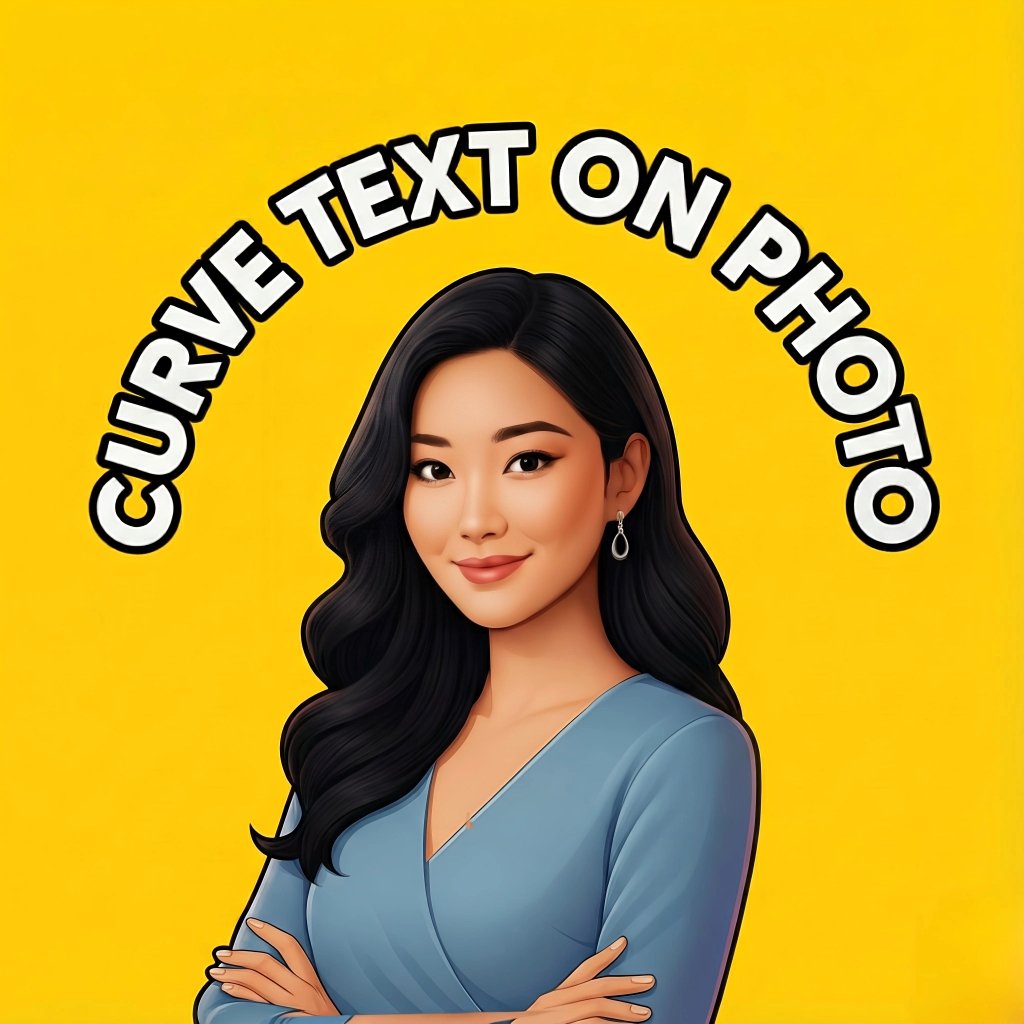
Create circular text, arc text, and modern curved captions for any image. Add stylish typography with fonts, spacing, rotation, outlines, and shadows — then export in HD for Instagram, WhatsApp, posters, logos, and more.
Key Features
Create text around a circle with radius, size, and direction control.
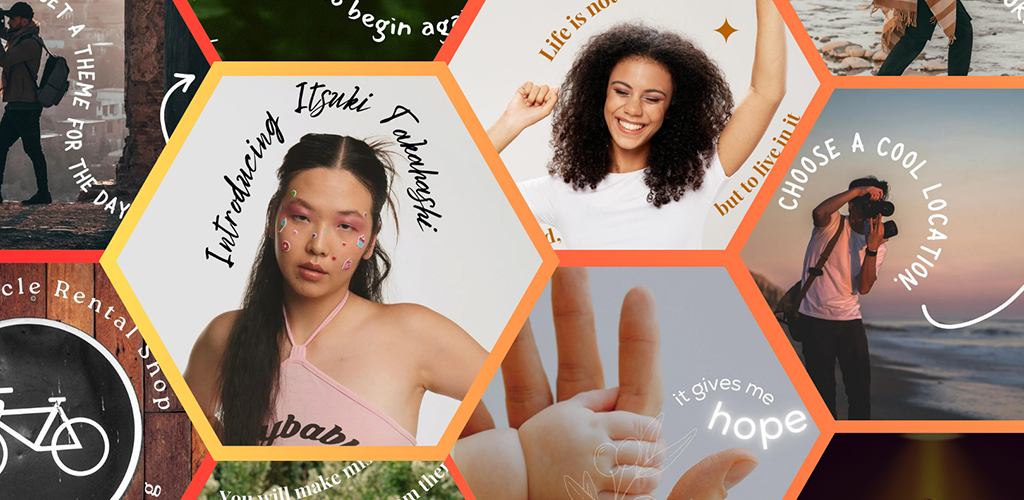
Arc, wave, bend, and curved styles for names, titles, and captions.
Add curved text on images with alignment, spacing, rotation, and placement.
Choose fonts, colors, outlines, shadows, and letter spacing for perfect typography.
Great for logos, posters, banners, thumbnails, stickers, and story designs.
Export in high quality and share to Instagram, WhatsApp, and more.
How to Add Curve Text on a Photo
If you’re searching for a simple way to add curve text on photo, this is exactly what Curve Text is made for. In most designs (logos, badges, posters, profile pictures), curved captions look more balanced than straight text. With Curve Text you can create circular text or arc text, control spacing and rotation, and export a clean HD result.
Step-by-step
- Open the app and select a photo (or start with a blank background).
- Type your text and choose Circular or Arc style.
- Adjust curve radius, direction, and alignment.
- Change font, size, spacing, outline, and shadow.
- Export in HD and share anywhere.
Pro tips for clean results
- Use higher contrast colors for story thumbnails and status images.
- Increase letter spacing slightly for circular designs.
- Add subtle shadow for readability on busy backgrounds.
- Keep one main title curved, and use smaller straight subtext below.
Whether you want text around a circle for a logo, a curved name for a profile picture, or an arc caption for a poster, the goal is the same: make the text follow the design shape. That’s why circular and arc tools are so popular for Instagram stories, WhatsApp status, reels thumbnails, and even wedding/birthday poster editing.
Best Use Cases for Circular Text & Arc Text
Curved typography is used everywhere because it instantly looks premium and “designed”. Here are some common use cases where Curve Text helps you create professional-looking results in minutes:
For social media
- Instagram story titles and highlights
- WhatsApp status captions
- Reels / Shorts thumbnail text
- Profile picture name rings
For logos & posters
- Text around a circle logo
- Badge / stamp style designs
- Birthday & wedding posters
- Shop banners and product labels
The key is to keep the curve clean and readable. Circular text works best for short names or brand titles, while arc text is perfect for longer captions. Mix it with outline + shadow and your text stays readable even on colorful photos.
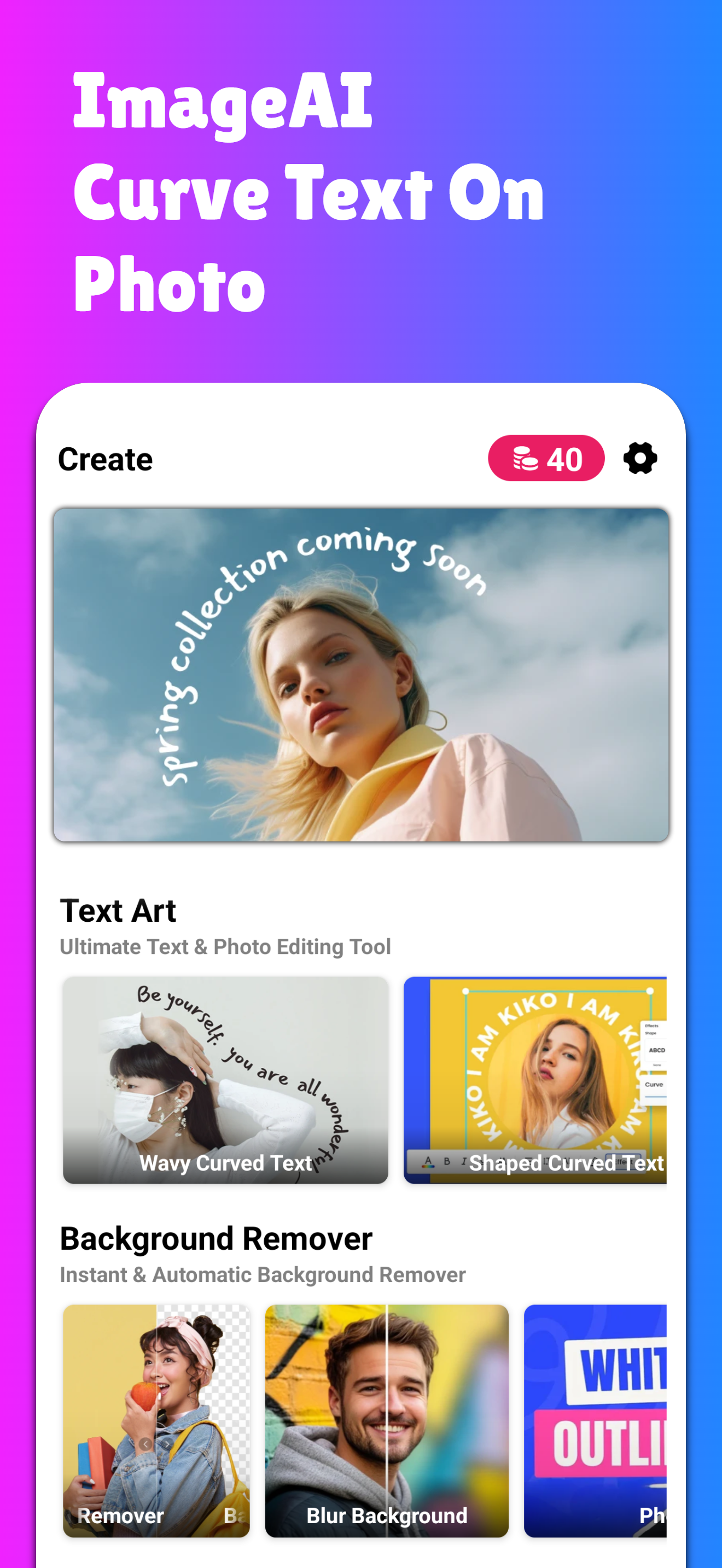
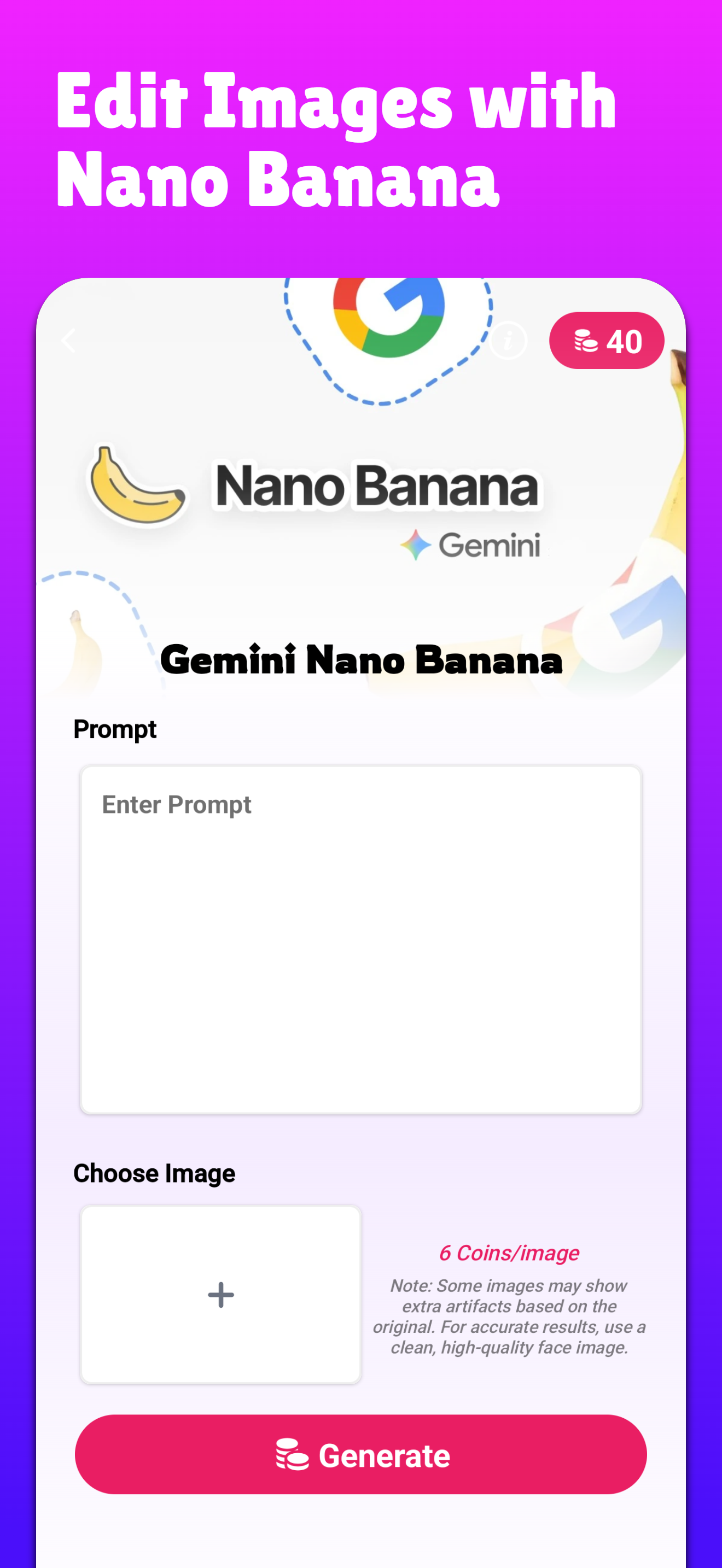
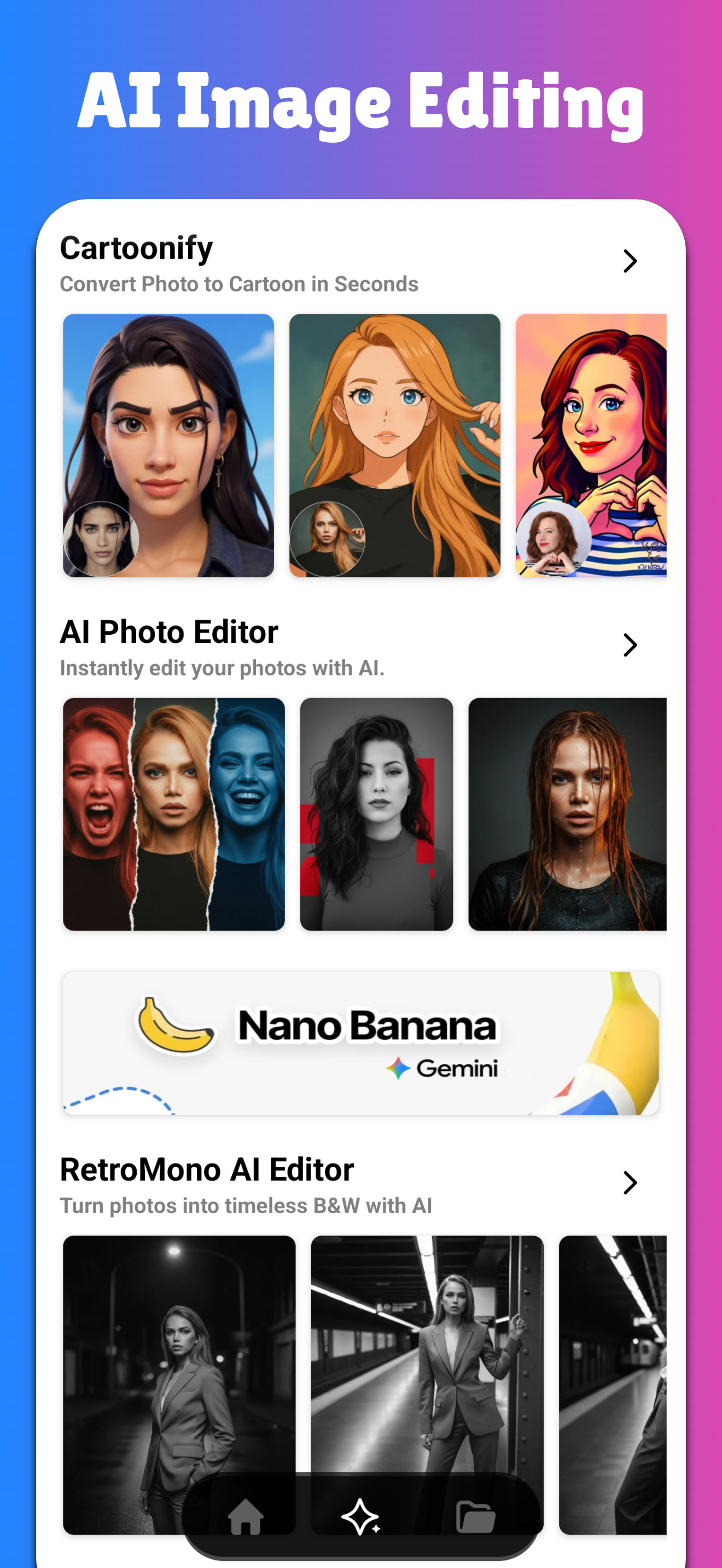
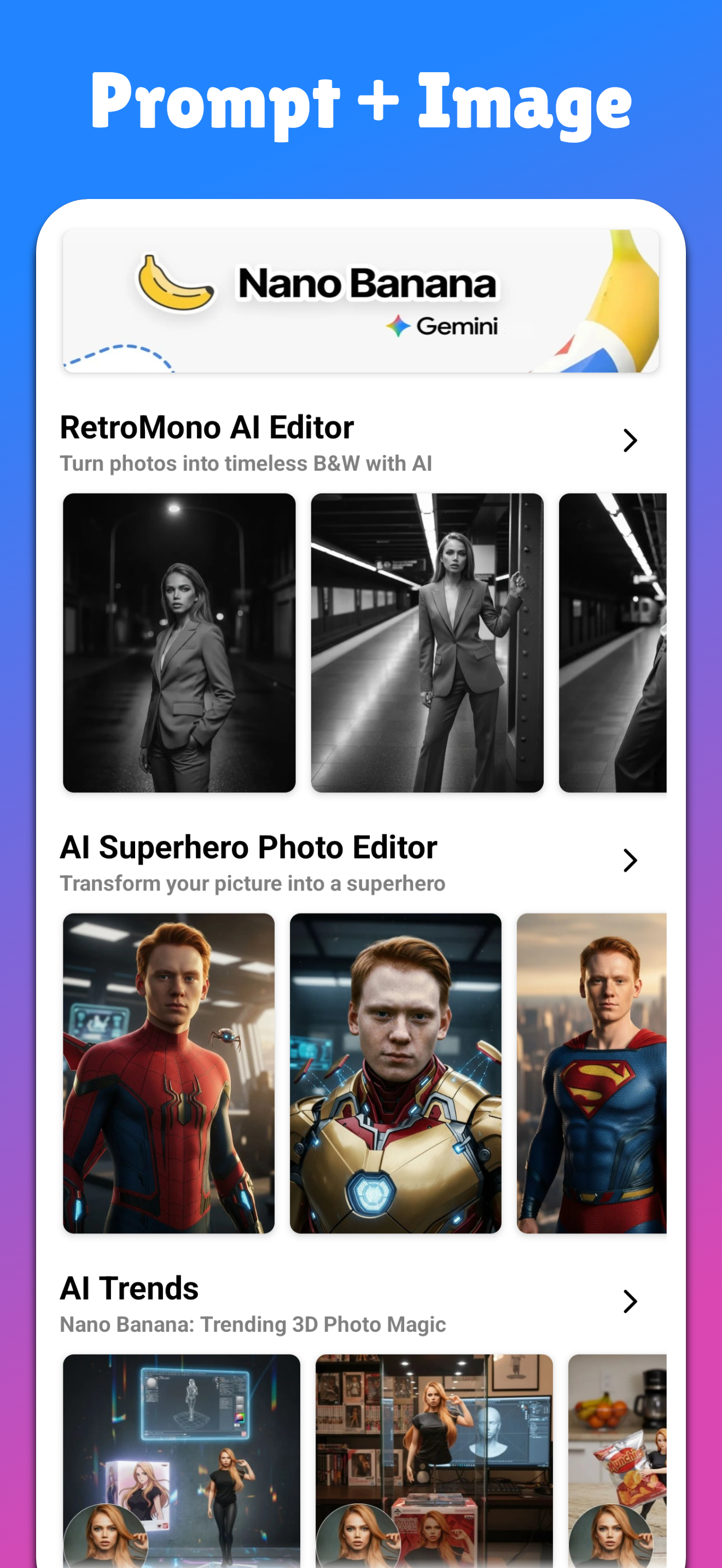
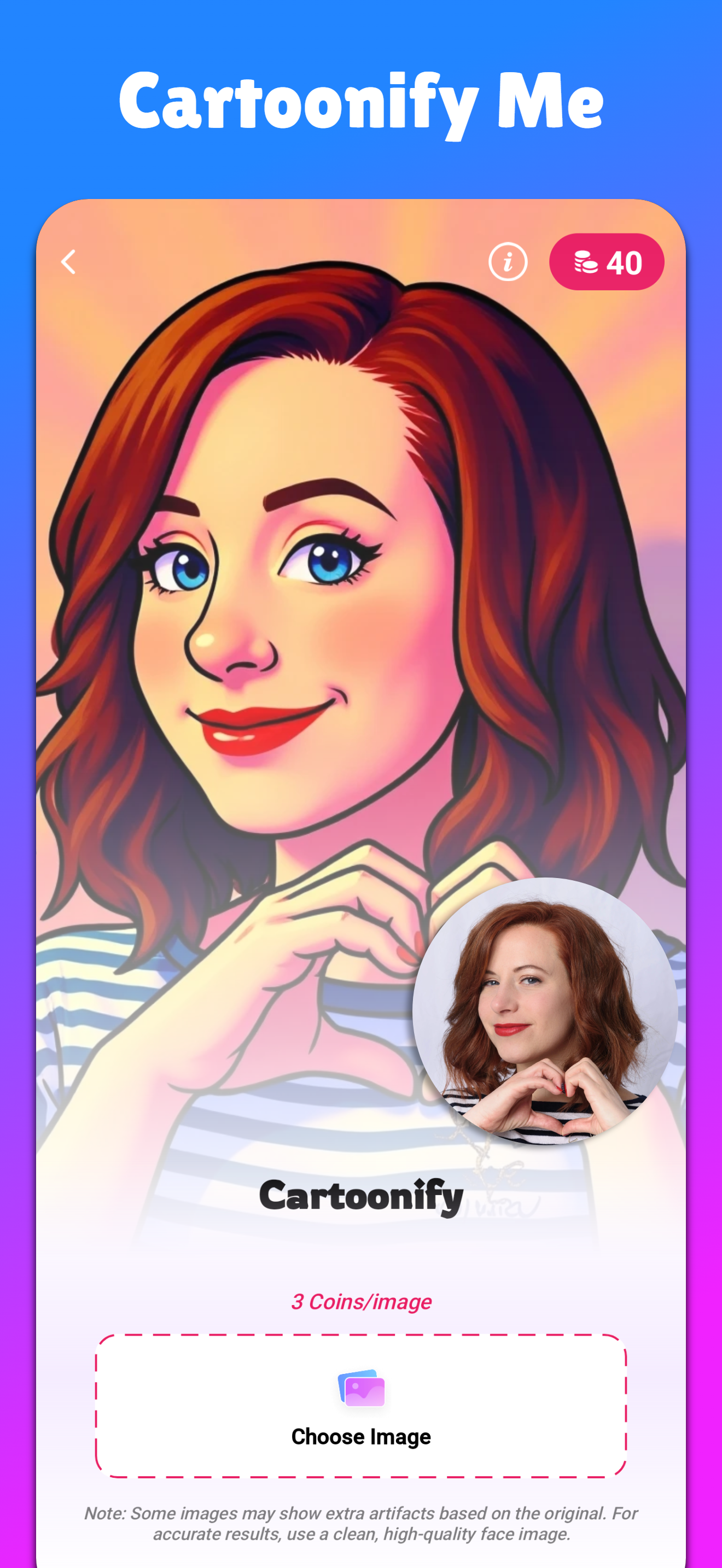
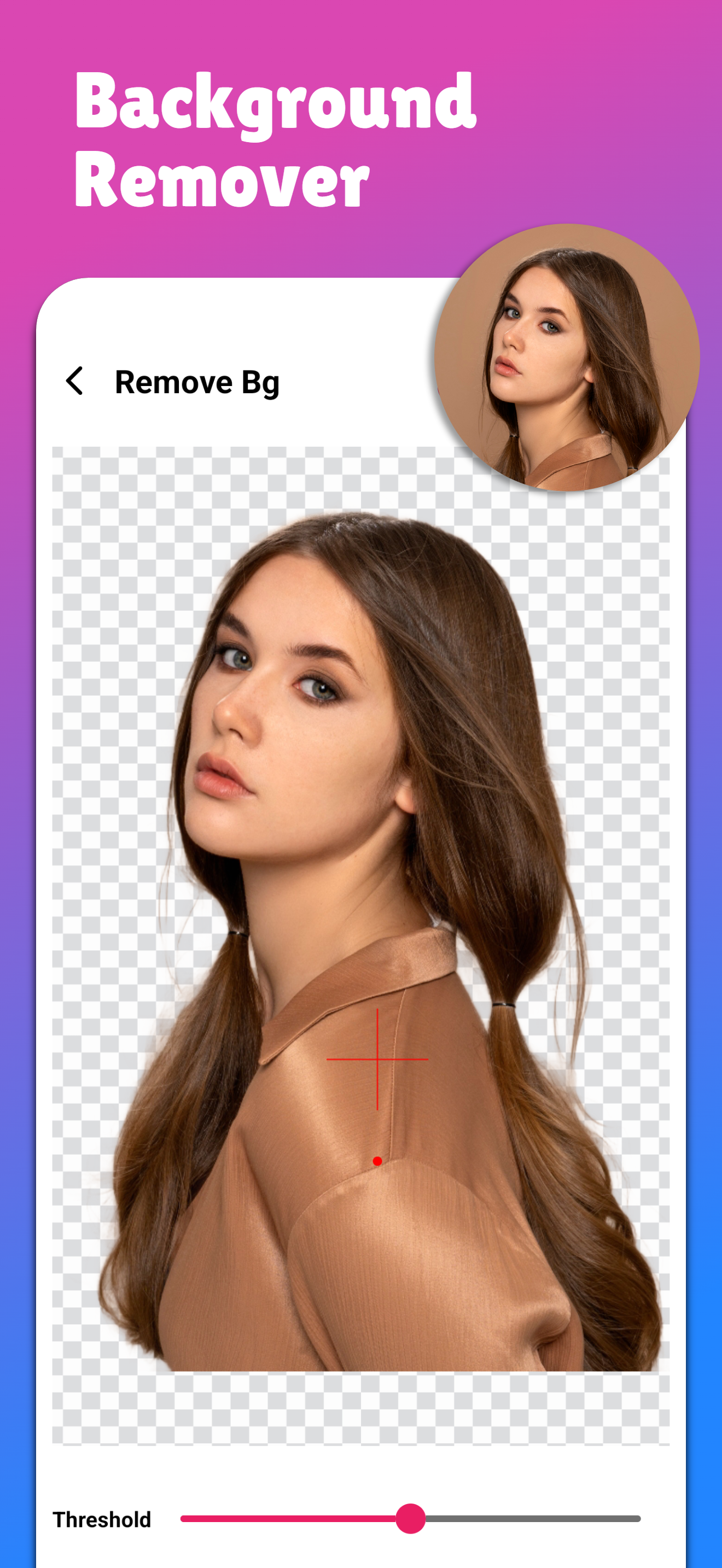
App Screenshots
Click any screenshot to preview in full size.
FAQ — Curve Text On Photo
Is Curve Text free to use?
Yes, you can create circular text and curved captions and export your design. Download it from Google Play to start.
Can I make text around a circle for a logo?
Yes. Use Circular Text mode, adjust radius, direction and spacing. Add outline/shadow for a clean logo look.
How do I make curved text readable on busy photos?
Use a contrasting color, add a subtle shadow or outline, and keep letter spacing slightly wider for circular designs.
What export quality does the app support?
You can export in HD so your text stays sharp for posters, banners, and social media stories.
More Tools by PixelX Technologies
If you like Curve Text, you can also explore more creative tools on our website. Internal linking helps Google understand the site structure and improves overall SEO.